
How to Set Up Your Account in the Jefferson Fit App
The Jefferson Fit app is now available in the Apple App Store, giving you a simple way to manage your membership, book classes, and track rewards from your phone.
Here’s a quick guide to help you create your account before you come into the gym.

What you can do with the Jefferson Fit app
Once you’re set up, you’ll be able to:
View upcoming classes and schedules
Book or cancel classes
See location details and contact info
More features will be added over time, but this covers your day-to-day needs right away.
Before you start
You’ll need:
An iPhone with access to the Apple App Store or Android with access to Google App Store
The email address you used when you signed up for your Jefferson Fit membership
This email connects your app account to your existing membership.
Step 1: Download the app
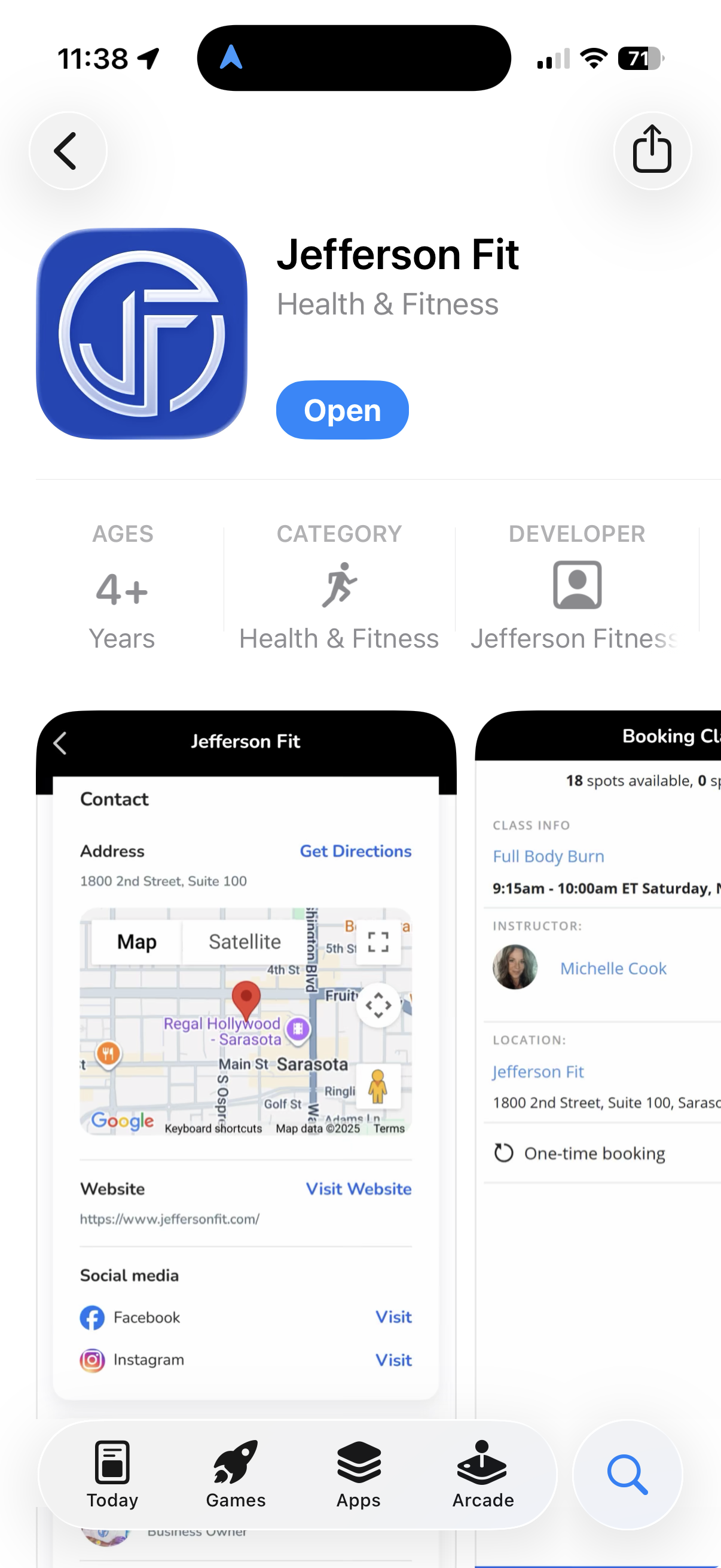
Step 2: Open the app and find the sign-up menu
Open the Jefferson Fit app.
On the home screen, look for the three dots in the bottom-right corner of the screen.
Tap those three dots to open the menu.
Tap Sign Up.
Step 3: Create your account
Use the option that applies to you:
If you’re an existing Jefferson Fit member
Enter the same email address you used when you signed up at the gym (the email that was used in Momence).
Follow the prompts to create your password and complete your profile.
This connects the app to your current membership so your information is already there.
If you’re a new member
Enter the same email address you used when you purchased your membership.
Create your password and complete your profile details.
Your membership will be connected to this email going forward.
Step 4: Check that everything looks right
Once you’re logged in, quickly review:
The class schedule in the Book Now/Classes section
Your name and email in your profile
IMPORTANT NOTE:
New members, please add your billing information and billing address. Existing members, please confirm your billing information and address are correct.
If something doesn’t look right, the front desk team can help fix it.
What about Android users?
Right now, the Jefferson Fit app is available in the Apple App Store.
For Android users, the Jefferson Fit app is available in the Google Play Store.
Need help?
If you run into any issues:
Take a screenshot of the page you’re stuck on.
Email us at info@jeffersonfit.comor show the screenshot at the front desk.
We’ll help you get logged in and ready to go.
The Jefferson Fit app will make booking classes and managing your membership much easier. Setting it up now means your next visit will be smoother from the moment you walk in.